Meeting Transcription Tips for Nigerian Teams
Practical advice for Nigerian teams that want accurate meeting transcripts: audio setup, speaker attribution, and handling code-switching.

You just had a two-hour strategy meeting. Four people spoke. The discussion switched between English and Pidgin multiple times. Someone was presenting from a laptop with a noisy fan. The generator was humming in the background. Now you need an accurate transcript.
This is a completely normal scenario for teams working in Nigeria, and it presents challenges that meeting transcription guides written for Silicon Valley offices never address. Here are practical, tested tips for getting good transcription results in real Nigerian working conditions.
Get the Audio Right First
No transcription tool, no matter how good the AI, can fix terrible audio. The quality of your recording determines the ceiling of your transcription accuracy. Everything else is secondary.
Use a Dedicated Microphone
Your laptop's built-in microphone is designed to pick up sound from directly in front of it. In a meeting room with four or more people, it will capture the closest speaker clearly and everyone else as distant murmurs. This is the single biggest source of bad transcriptions.
If your team has regular meetings that need transcription, invest in a conference microphone. Devices like the Jabra Speak series or the Anker PowerConf are designed to pick up voices from all directions in a room. They cost roughly the same as what you would pay a human transcriber for two or three meetings, and they pay for themselves immediately.
For remote meetings on Zoom or Google Meet, each participant should use a headset with a microphone rather than their laptop speakers. This gives the transcription tool a much cleaner audio signal for each voice.
Deal With Background Noise
This is where Nigerian working conditions present unique challenges. Generator noise, traffic sounds from open windows, and air conditioning units all add background noise that degrades transcription accuracy.
Close windows and doors before recording. If you are running a generator, try to hold the meeting in a room that is as far from the generator as possible. If you are in a co-working space, book a private room rather than using an open area.
For online meetings, encourage participants to mute when they are not speaking. This sounds obvious, but the difference it makes for transcription accuracy is dramatic. One unmuted participant with a noisy background can degrade the transcript for everyone.
Record Locally, Not Just Through the Platform
If you are on a video call, do not rely solely on the platform's recording feature. Zoom and Google Meet compress audio significantly, which removes detail that transcription systems need. If possible, also run a local audio recording on one device. The uncompressed audio will produce noticeably better transcription results.
Help the System Identify Speakers
Speaker attribution -- knowing who said what -- is what turns a wall of text into usable meeting minutes. If the term is new to you, our explainer on speaker diarization covers how it works under the hood.
One of the most useful features of modern transcription is speaker identification -- knowing who said what. But the system needs some help to get this right.
Introduce Speakers at the Start
Begin your meeting by having each person state their name clearly. Something like "This is Adaeze, I am here" is enough. This gives the transcription system a voice sample for each participant that it can use to identify them throughout the rest of the meeting.
Avoid Talking Over Each Other
This is hard in practice because lively meetings naturally involve people jumping in. But overlapping speech is one of the hardest problems in transcription. When two people speak at the same time, even the best systems struggle to separate the voices and may attribute words to the wrong speaker.
If accurate attribution matters for your use case -- like board meetings or formal interviews -- make a deliberate effort to take turns. It feels slightly unnatural, but the transcript quality improves significantly.
Identify Yourself Before Key Statements
For important decisions or action items, briefly state your name before speaking. "This is Tunde -- I think we should go with option B." It takes one second and eliminates attribution ambiguity in the transcript.
Handle Code-Switching Intentionally
Most Nigerian professional meetings involve some degree of code-switching. This is natural and there is no reason to avoid it -- following a speaker between English, Pidgin and other Nigerian languages is exactly what Autrans is built for. But you can still make it easier for any transcription system to follow along.
Be Aware of Your Switching Patterns
If your team typically uses English for technical discussions and switches to Pidgin or a local language for informal comments, that pattern actually helps transcription systems. Predictable switching is easier for AI to handle than random switching.
Set a Primary Language
Before starting your recording in Autrans, select your primary meeting language. If the meeting is mostly English with some Yoruba phrases, select English as primary. This tells the system what to expect most of the time and treat everything else as a switch.
Repeat Key Points in the Primary Language
If an important decision or action item is stated in a local language, briefly repeat or summarize it in the primary language. This ensures the key information is captured accurately even if the system struggles with the language switch at that particular moment.
After the Meeting
Review the Transcript Promptly
Transcription accuracy, even with good tools, is never 100%. Review the transcript while the meeting is still fresh in your mind. It is much easier to correct errors when you remember what was actually said. If you wait a week, you will struggle to reconstruct what a garbled passage was supposed to say.
Build a Custom Vocabulary
If your team regularly uses specific technical terms, project names, or company jargon, check those passages first when you review -- they are where any transcription system is most likely to stumble. In Autrans you can correct a word in place with a double-click, and rename a speaker once to update every instance across the transcript, so fixing a recurring term or mislabelled voice is one action rather than an editing pass.
Share and Correct Collaboratively
Send the transcript to meeting participants and ask them to flag any errors in their own sections. Each person knows best what they said, and collaborative correction is faster and more accurate than having one person review everything.
Good transcription is a combination of good tools and good practices. Get both right, and your team can stop spending hours on manual meeting notes and start spending that time on actual work.
Related
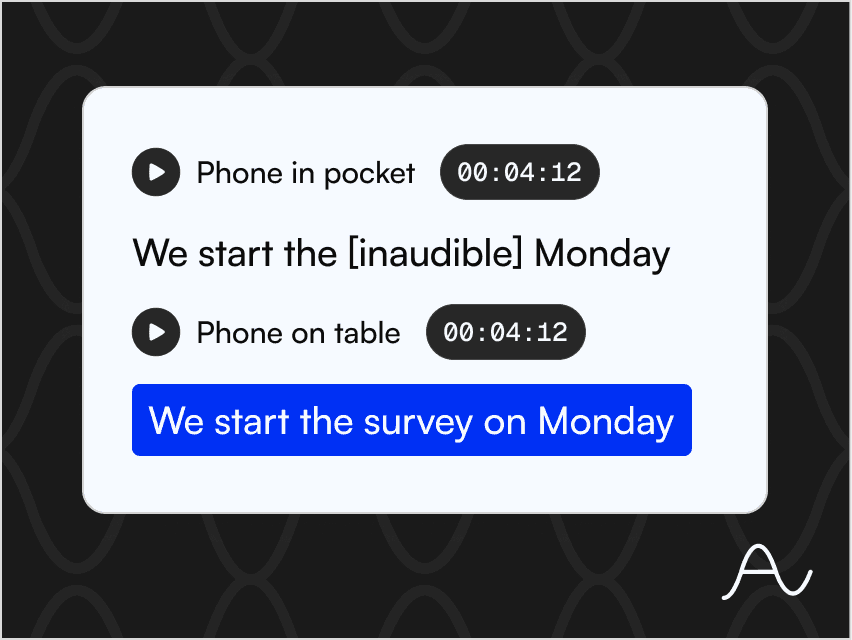
How to Record Better Phone Audio for a Cleaner Transcript
Distance, quiet and one voice at a time beat any setting. Your phone is enough.
Tobiloba Sulaimon
How to Get a Transcript From a Zoom or Google Meet Recording
Find the recording, look past the built-in captions, and turn the call into a record.
Tobiloba Sulaimon
What to Do With a Transcript Once You Have One
Quotes, notes, subtitles and a searchable archive: what a transcript is really for.
Tobiloba Sulaimon
Start transcribing free
Get 30 minutes of free transcription to start. No credit card required. Just upload your audio and go.