How to Transcribe Yoruba Audio: A Practical Guide
A hands-on guide to transcribing Yoruba sermons, interviews and Nollywood dialogue — why generic tools fail on tone, and how to get clean results.
If you have ever dropped a Yoruba recording into a mainstream transcription app, you already know how the story ends. The pastor preached for forty minutes in fluent Ibadan Yoruba, the tool returned half a page of broken English, and you closed the tab. Yoruba is spoken by more than 45 million people across Nigeria, Benin, and Togo, and yet for most of the world's transcription software it might as well not exist.
This guide is for the people who actually need Yoruba in text: the church media team archiving Sunday services, the journalist sitting on a recorded interview, the Nollywood post house captioning an episode before delivery. We will walk through why Yoruba is genuinely hard for AI to transcribe, what you can realistically expect today, and the practical things you can do to get the cleanest possible result.
Why Yoruba Breaks Generic Transcription Tools
Yoruba is not English with an accent. It is a tonal language with a sound system and a structure that English-trained models were never built to handle. Three things in particular trip them up.
Tone. Yoruba uses three tones - high, mid, and low - and tone is not decoration. It changes meaning. The classic teaching example is the syllable "ọkọ," which depending on tone can mean husband, hoe, vehicle, or spear. A model trained mainly on English has no concept that pitch is carrying lexical meaning. It hears a vowel and guesses, and on a tonal language it guesses wrong constantly.
The vowel system. Yoruba has seven oral vowels plus nasal vowels, including the open vowels written ẹ and ọ that simply do not exist as distinct sounds in English. Generic models collapse these onto the nearest English vowel, which smears distinct Yoruba words into the same mush.
Dialect. There is no single spoken Yoruba. Standard written Yoruba is based largely on the Ọyọ dialect, but a speaker from Ijebu, Ekiti, Ijesa, or Egba can sound noticeably different - different vocabulary, different intonation, sometimes different vowels. A tool that has only ever been tuned on broadcast-standard Yoruba will stumble the moment a speaker leans into their home dialect.
Stack these on top of each other and you understand why a generic tool does not just make small mistakes on Yoruba. It produces output that is unusable, because it was never designed for the language in the first place.
Tone matters enormously for meaning, but it is carried by context too. When you read a Yoruba transcript, you are usually disambiguating tone the same way a Yoruba speaker does when reading untoned text in a newspaper - from the surrounding words. Keep this in mind when you review output.
What to Honestly Expect From Autrans on Yoruba
We are going to be straight with you, because over-promising helps nobody.
Autrans transcribes Yoruba audio, and on clear recordings of standard or Ọyọ-leaning Yoruba it produces results that are genuinely useful - good enough to archive a sermon, search an interview, or rough out subtitles. It handles Yoruba-English code-switching well, which matters because almost nobody in Lagos or Ibadan speaks pure Yoruba for forty straight minutes. And it keeps improving as more Yoruba audio moves through the system.
Now the honest part. Yoruba transcription is strong and improving, but it is not yet at the level of our English and Pidgin support. Two things in particular you should know going in:
- Tonal diacritics are not yet auto-rendered. The transcript captures the words, but the tone marks - the accents that sit above and below vowels in fully marked Yoruba orthography - are not written out automatically. For most use cases (searchability, archiving, getting a usable draft) this is fine, because readers reconstruct tone from context. For formal linguistic or pedagogical work where marked tone is essential, plan to add diacritics in a review pass.
- Heavy dialect and poor audio reduce accuracy. Deep Ekiti or Ijebu speech, or a muffled recording from the back of a hall, will pull accuracy down. Standard Yoruba on clean audio is where the tool is at its best.
This is the same honest framing we use everywhere on the site. Yoruba support is a strong, working foundation that makes your audio searchable and accessible today, not a magic button.
Yoruba transcription on Autrans
See exactly what's supported, the dialects we handle best, and answers on tone marks and code-switching.
Practical Tips for Cleaner Yoruba Transcripts
The single biggest lever you control is the audio. Everything else is secondary.
1. Get the cleanest audio you can. Record close to the speaker, away from competing noise. A lapel mic on the preacher beats a phone on the back pew every time. Generators humming, fans, overlapping crowd noise, and heavy PA reverb all degrade results - and they hurt a tonal language more than they hurt English, because the model has less room to recover from a smeared vowel.
2. Know your dialect going in. If your speaker is firmly Ọyọ or broadcast-standard, expect the best output. If they are deep Ijebu, Ekiti, or Ijesa, expect to do more cleanup. Neither is wrong - just budget your review time accordingly.
3. Expect code-switching, and let it happen. Real Yoruba speech mixes in English constantly: "E ku ise o, but make sure you send the report by Monday." Autrans handles this natively and transcribes each part in the language it was spoken, rather than forcing the whole thing into one language. Do not try to "clean" your recording into pure Yoruba beforehand - the mixed version is what the tool expects.
4. Plan a review pass. Treat the transcript as a strong first draft, not a finished document. A Yoruba speaker reviewing the output will move fast, fixing the occasional wrong word and - if you need it - adding tone marks. This is dramatically faster than transcribing from scratch.
Code-switching is so central to how Nigerians speak that it deserves understanding on its own terms. If you work with mixed Yoruba-English audio regularly, it is worth knowing how Autrans tags each segment by its dominant language.
What is code-switching?
Why mixing Yoruba and English mid-sentence is normal speech, not an error - and how transcription should treat it.
Where Yoruba Transcription Actually Gets Used
This is not an academic exercise. Here is where Yoruba transcription is already pulling its weight.
Sermons and church media. This is the most common Yoruba use case we see. Yoruba-speaking churches across Ibadan, Abeokuta, Lagos, and the diaspora preach in Yoruba (or Yoruba mixed with English) and want a searchable archive, transcripts for members who missed service, and study notes for small groups. A forty-minute message becomes text you can search and share the same afternoon.
Interviews and research. Journalists and academics record Yoruba interviews and historically lose hours transcribing them by hand. With speaker labels separating interviewer from interviewee and timestamps to verify quotes against the audio, a Yoruba interview becomes a working document in minutes instead of an evening's chore.
Nollywood and subtitles. Yoruba-language film is a major slice of Nollywood, and post-production teams have long hand-captioned it because no commercial tool handled the language. Transcribing dialogue to subtitle-shaped SRT or VTT gives you a real head start on captions for streaming delivery, even with a human polish pass on top.
Transcribe your first Yoruba recording free
Upload a sermon, interview, or clip and see the quality for yourself. The free plan gives you 30 minutes a month - no card required.
Start transcribingChurch and sermon transcription
Archive every Yoruba and English message, share with your congregation, and build a searchable library of teachings.
Nollywood subtitle generation
Turn Yoruba, Pidgin, and Igbo dialogue into subtitle-ready SRT and VTT for streaming delivery.
How to Transcribe Yoruba in Autrans, Step by Step
The workflow is the same one you would use for any language, and it takes minutes.
- Record or gather your audio. Autrans accepts the common formats - MP3, M4A, WAV, WebM, and more - so a phone voice memo, a church soundboard export, or a film mix all work. You can even forward a WhatsApp voice note straight in.
- Upload the file. Drop it into Autrans from your dashboard. For multi-speaker recordings like interviews and panels, speaker diarization will separate the voices automatically.
- Let it process. A typical recording transcribes in a few minutes. You will see progress as it runs.
- Review the transcript. Read through with a Yoruba speaker if accuracy is critical, fixing the occasional word and adding tone marks if your use case needs them. Rename speaker labels to real names.
- Export. Send it out as TXT, DOCX, or PDF for documents, or as SRT or VTT if you are building subtitles.
That is the whole loop. Upload, wait a few minutes, review, export.
The Bigger Picture
For too long, "AI transcription" has quietly meant "AI transcription for English." Yoruba - a language older and more widely spoken than many that enjoy polished software support - was left out, not because it is impossible, but because nobody bothered to build for it.
We are not claiming Yoruba is solved. We are claiming it is taken seriously: transcribed as the language it is, with honest expectations about where it shines and where it still needs your review pass. For the church team, the journalist, and the Nollywood editor who have been doing this by hand, that is already a meaningful change. And it gets better every month.
Related

How to Transcribe Hausa Audio: A Practical Guide
Sermons, interviews and broadcasts in Hausa, and how to get clean transcripts of them.
Tobiloba Sulaimon
How to Transcribe Igbo Audio: A Practical Guide
Why Igbo is hard for machines, what to expect today, and how to get the best result.
Tobiloba Sulaimon
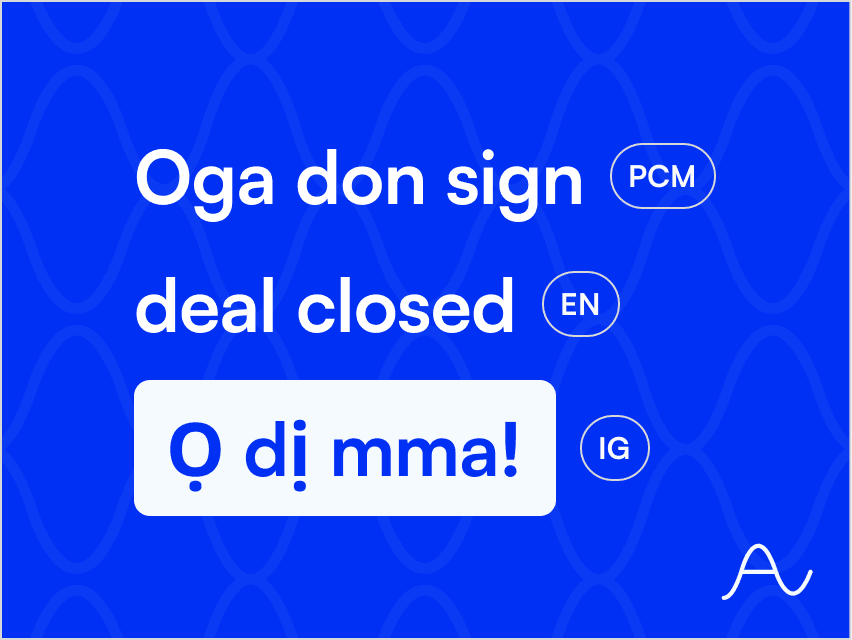
Code-Switching: When One Sentence Holds Three Languages
One sentence, three languages: why that is normal speech, and what it does to transcripts.
Tobiloba Sulaimon
Start transcribing free
Get 30 minutes of free transcription to start. No credit card required. Just upload your audio and go.